

Accessing Dimension
Dimension is part of your ThreatAware tenant. Your Dimension address ishttps://<your-tenant>.dimension.io. You sign in with the same account you use for the main platform.
A few login notes:
- Your role in the main platform determines what you can do in Dimension (Super Admin, Analyst, Viewer, Limited Viewer)
- MFA enrolment is shared — if you’ve enabled MFA in the main platform, you don’t enrol again
- SSO works tenant-wide (Settings → User Management → SSO)
The onboarding tour
A first-time visitor sees four screens. You can skip at any time with Skip, or step through with Get started.Step 1 — Welcome to Dimension
Step 2 — Built on Three Pillars
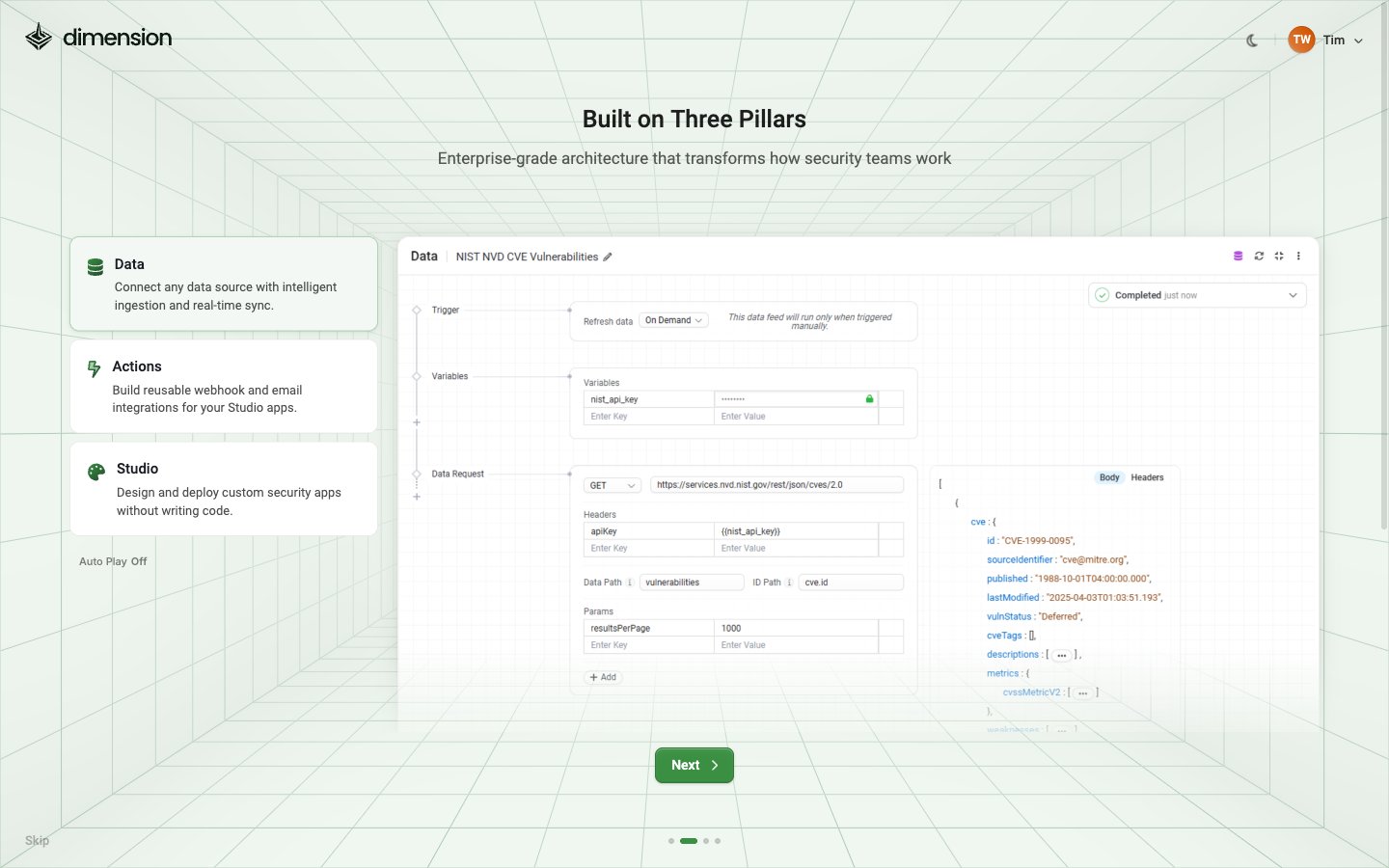
- Data — Connect any data source with intelligent ingestion and real-time sync.
- Actions — Build reusable webhook and email integrations for your Studio apps.
- Studio — Design and deploy custom security apps without writing code.
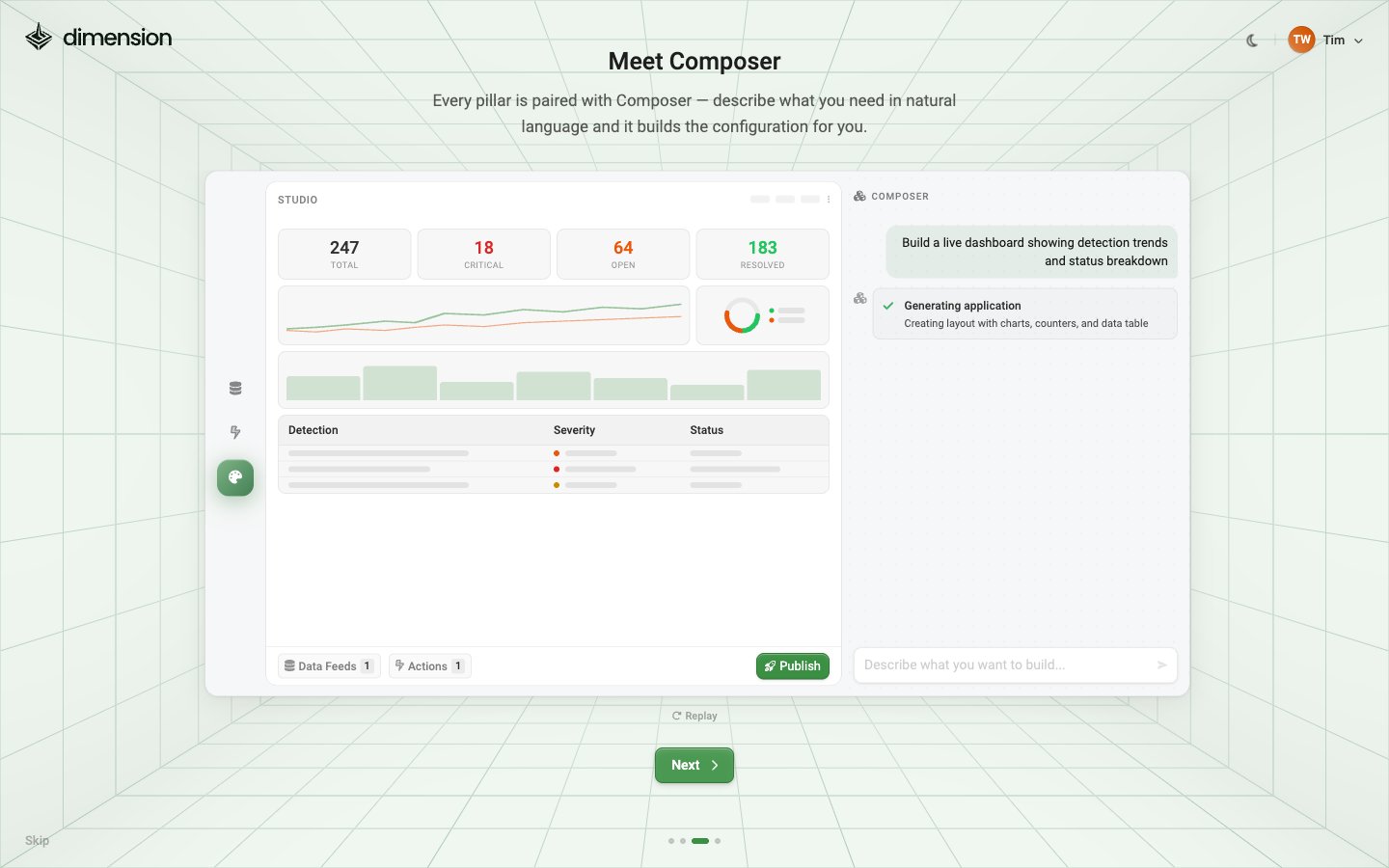
Step 3 — Meet Composer
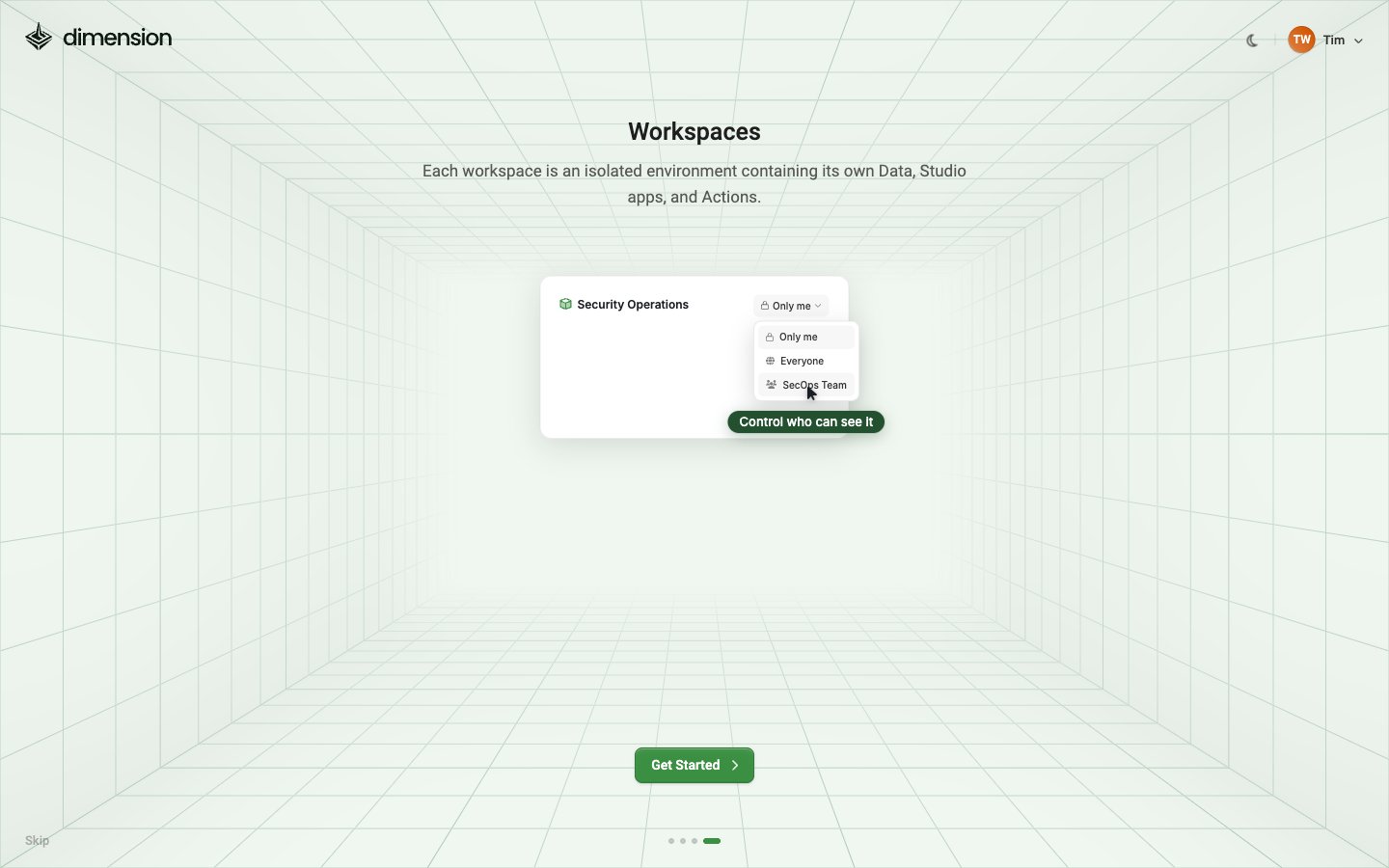
Step 4 — Workspaces
After the tour
You arrive at Home. It greets you by name and shows how the pieces fit together: data feeds pull in records, Studio apps are built from a description, and actions send something back out.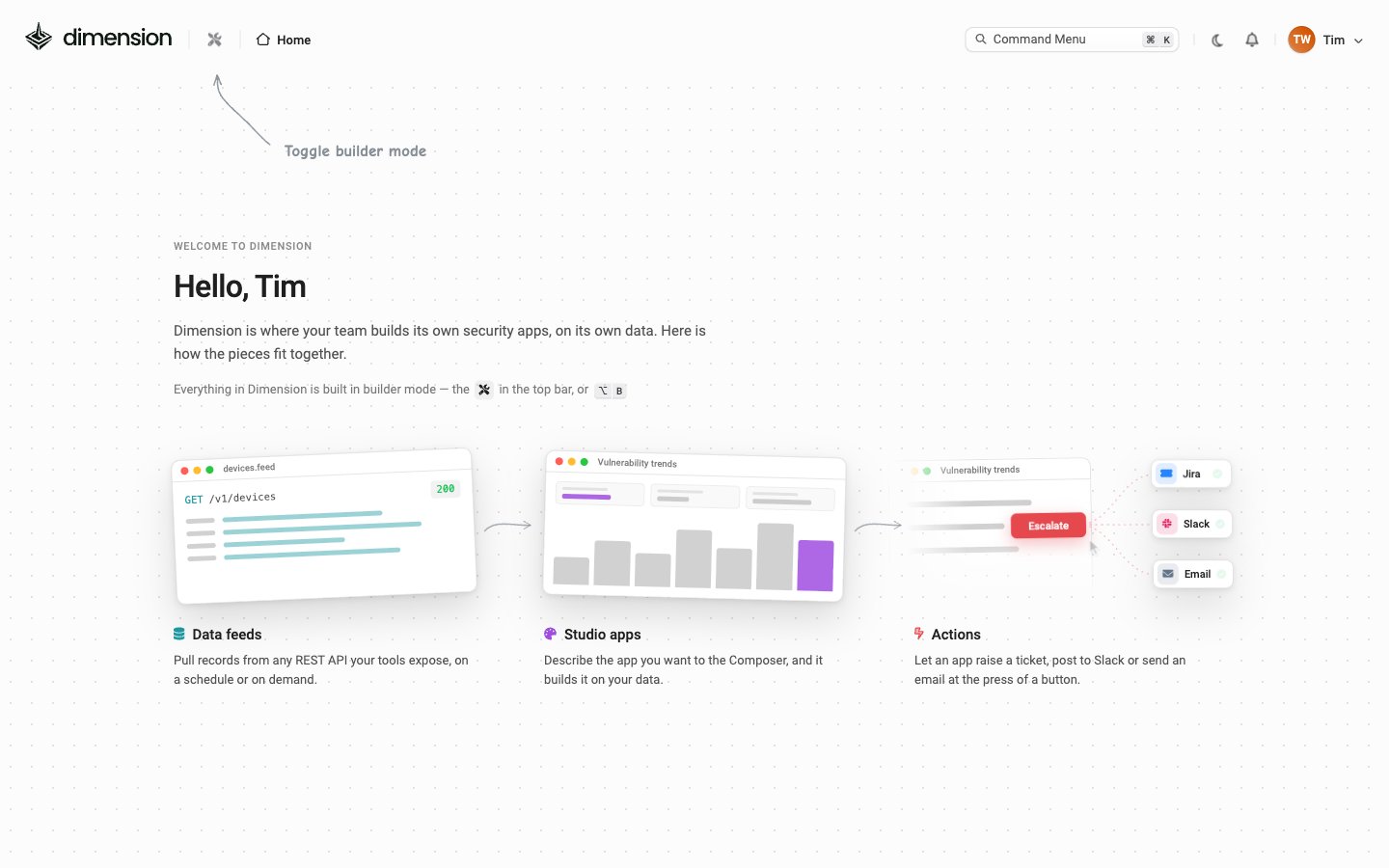
Create your first workspace
On a new account, Builder Mode first asks you to create a workspace to build in: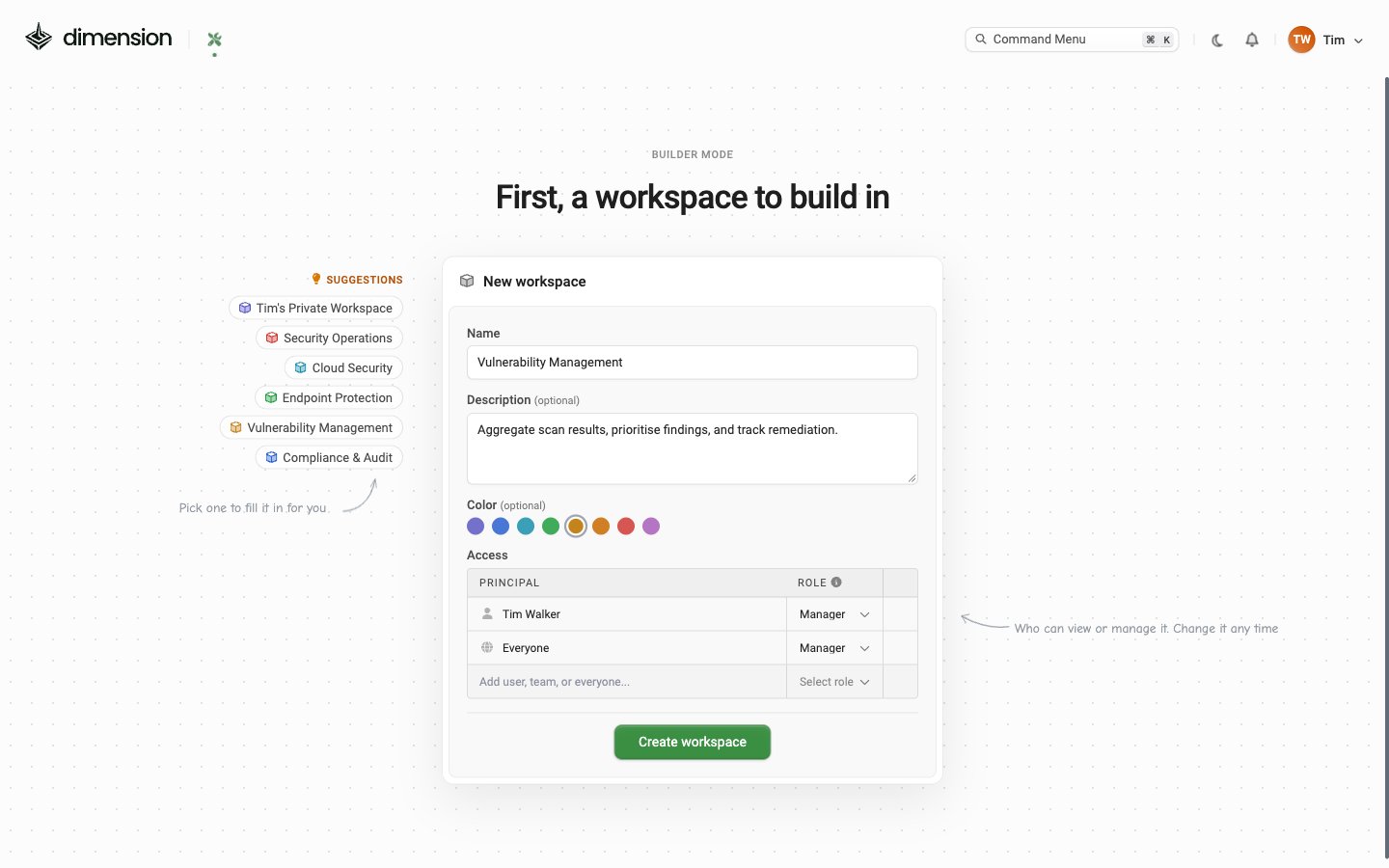
If you have access
You’ll see a tiled grid of every Published app you have access to, each badged with its source workspace (e.g.Gallery). Click a tile to launch the app in View mode. Right-click in Builder Mode for Open in new tab / Copy link / Launch / Edit.
Your first 15 minutes
Pick one of three paths depending on your goal:Import a pre-built app
Fastest first win — import one of the Gallery apps. It runs on demo data until you add your credentials
Customise a pre-built app
Import a Gallery app, then change it in the Composer. Best when an existing app is close but not quite right
Build from scratch
Enter Builder Mode, hit New App, describe what you want — Studio generates a working app in under a minute
Connect external data first
Pull data from CrowdStrike, Jira, ServiceNow, or any API. Wire it up in Composer before you start the app
Cross-cutting UI you’ll use constantly
What to learn next
Concepts & Glossary
A single-page reference for every term Dimension uses — Workspace, Composer, Builder Mode, Planner, X-Ray
Workspaces
Visibility levels, what’s inside a workspace, and how to organise teams
Planner
Turn a goal into a step-by-step plan with ready-to-launch Composer prompts
AI Composer
Prompts, the Composer toolbar, and the inspect/insert flow